Guide · 4 steps
See your ad spend for each contact
Each contact shows what you paid for ads in its channels. Compare contacts by spend and CPM.
Step 1
Open Contacts
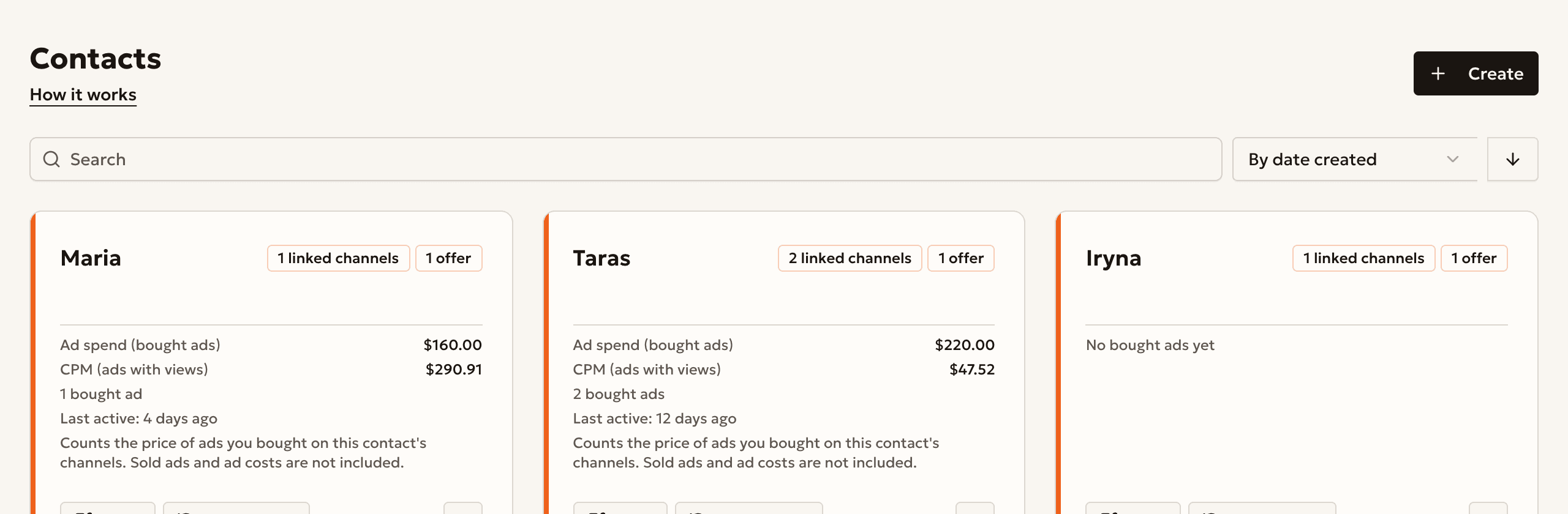
Open Contacts. A contact with linked channels shows its ad figures on its card.
Only ads you bought count. Sold ads are not included.
Step 2
Read the figures
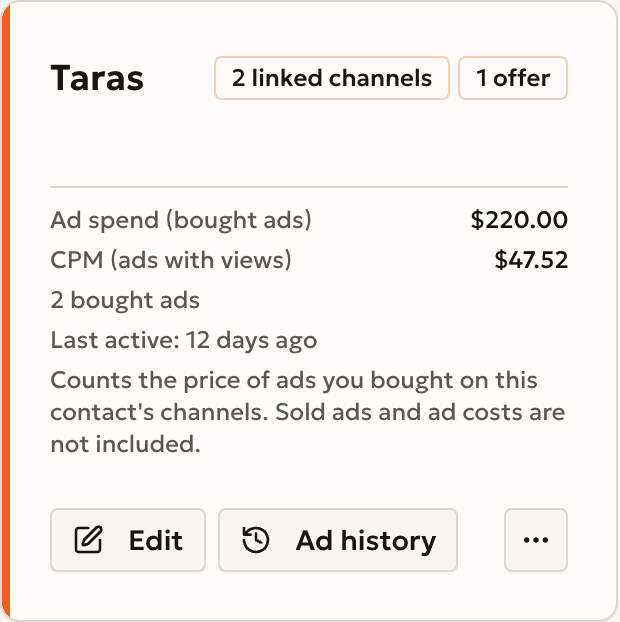
Read Ad spend (bought ads) and CPM (ads with views). The card also shows how many ads you bought and when the last one ran.
Autogram shows the figures in your preferred currency. A currency with no exchange rate is named under the figures.
Step 3
Check each ad
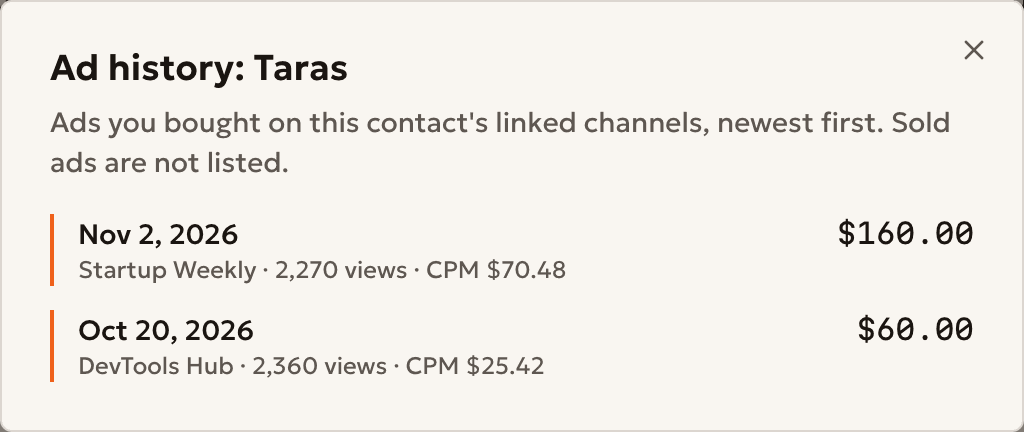
Press Ad history to see each bought ad with its date, channel, price, views and CPM.
The window lists the 50 newest ads, newest first.
Step 4
Sort by spend
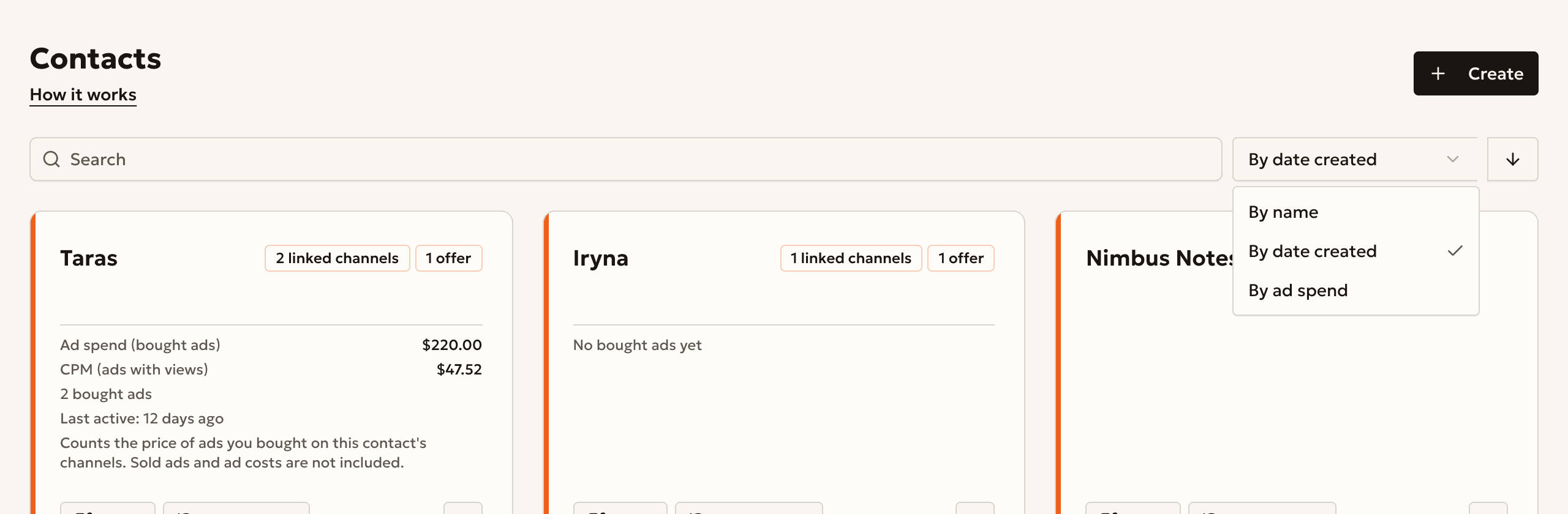
Open the sort list and choose By ad spend. Press the arrow next to the list to change the order.
Use the search field to find one contact by name.
Example
A seller with two channels
Taras sells ads in two channels. You bought one ad in each.
- Contact
- Taras
- Ad spend (bought ads)
- 220 USD
- CPM (ads with views)
- 47.52 USD
Compare 47.52 USD with the CPM of your other contacts.
Common questions
Who can see these figures?
Every plan can read contacts. A paid plan or the trial is needed to create or edit a contact.
Why is a sold ad missing?
A sold ad is income, not spend. The figures count only ads you bought.
Why is CPM empty?
CPM needs views. Autogram counts it over the bought ads that have views.
What does the note about a missing exchange rate mean?
Autogram has no stored rate for that currency. The card adds the amount without conversion and names the currency.
Ready to start?
Create an account and connect your channel.