Guide · 4 steps
Suggest a feature and vote
The feature board lists the features that Autogram users ask for. Anyone can read it. Sign in to suggest a feature or to vote.
Step 1
Open the board
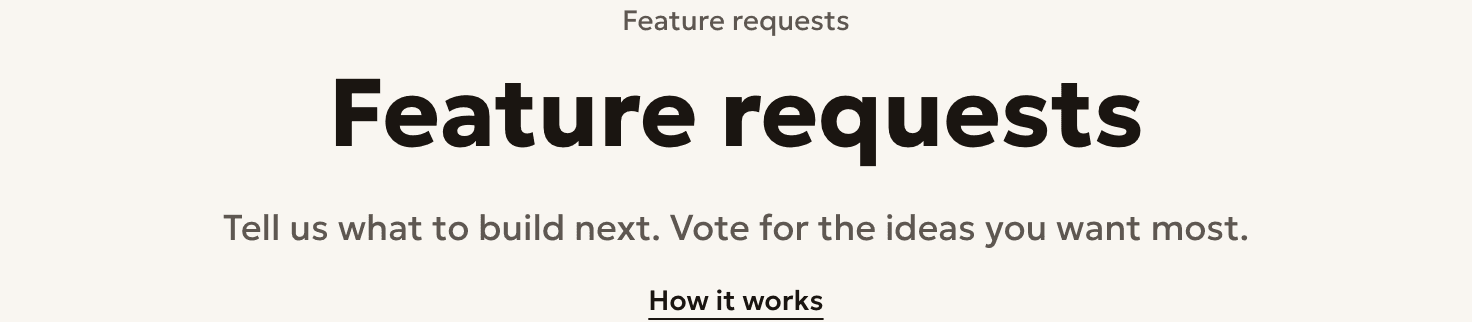
Open Feature requests from the footer of the site.
The board is public. You can read it without an account.
Step 2
Vote for an idea
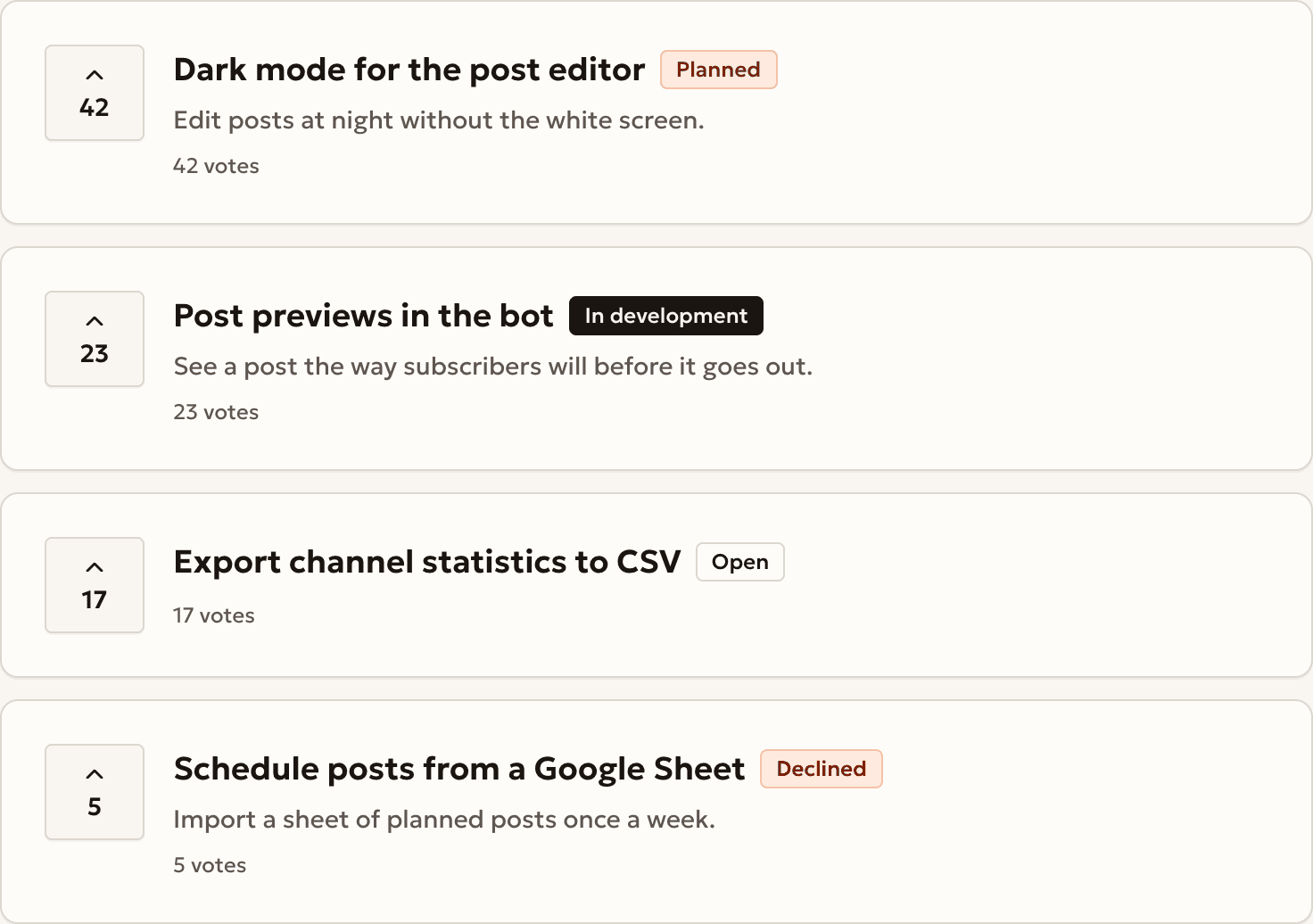
Press the vote button next to a request. Press it again to remove your vote.
You have one vote for each request. Sign in to vote.

Step 3
Suggest a feature
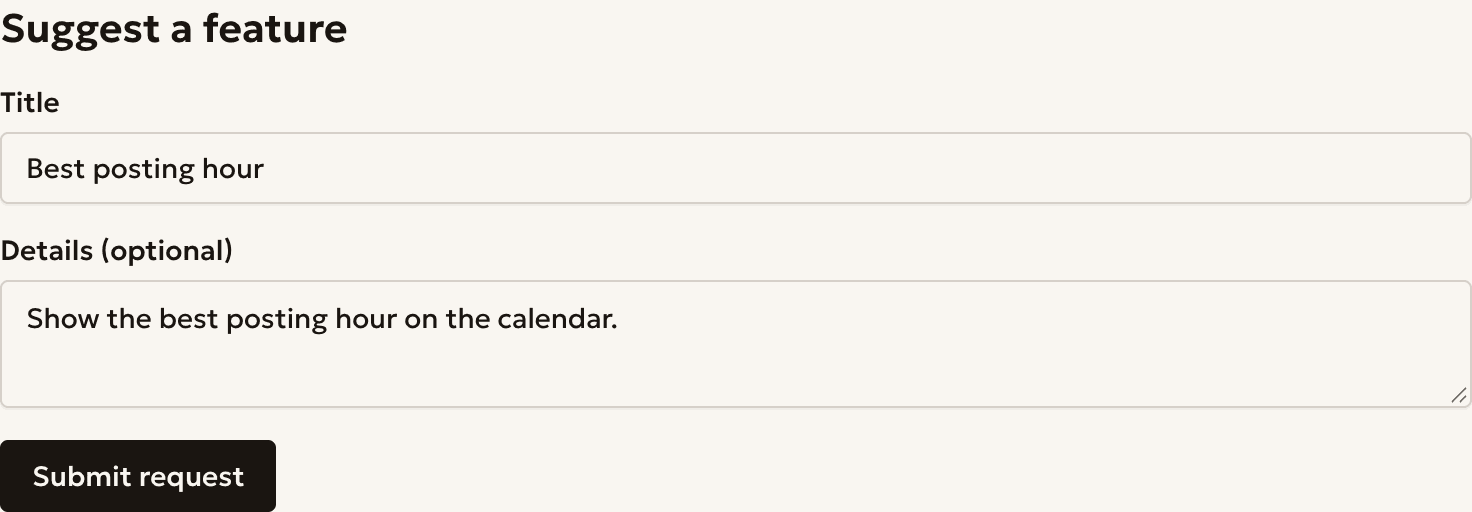
Write a Title, add Details (optional) and press Submit request.
Sign in first. A new request shows on the board at once.
Step 4
Follow the status
Each request has a badge: Open, Planned, In development, Done or Declined.
The Autogram team sets the status. Planned, in-development and done requests also show on the Product roadmap page.
Example
One request on the board
- Title
- Best posting hour
- Details (optional)
- Show the best posting hour on the calendar.
- Status
- Open
Common questions
Who can vote?
Any signed-in user, on any plan. You have one vote for each request.
Who sees my request?
Everyone who opens the board sees the title and the details. The board does not show who wrote a request.
Will my idea be built?
Not always. The Autogram team picks what to build and sets the status. A request on the board is not a promise.
Ready to start?
Create an account and connect your channel.