Guide · 6 steps
Send a poll to your channel
A poll is a native Telegram poll. Readers vote in the channel, and the votes stay anonymous.
Step 1
Choose Poll
Open Posts, press Create, and at the top of the window press Poll.
A poll has no text or buttons. The Poll button needs the Solo plan or higher.

Step 2
Write the question and options
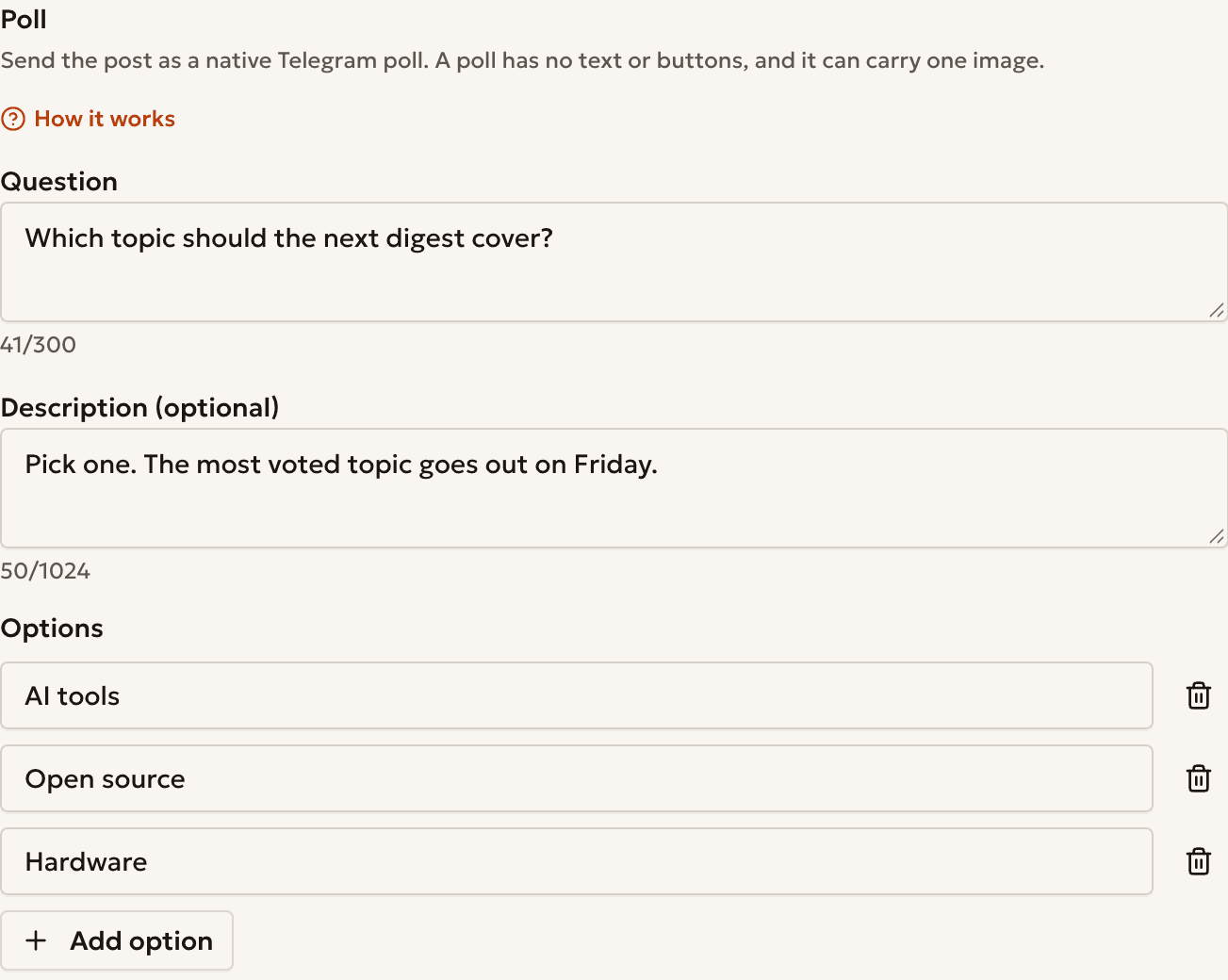
Write the Question. Add a Description (optional) if you want. Fill in the options and press Add option for more.
A poll has 2 to 12 options.
Step 3
Set the rules
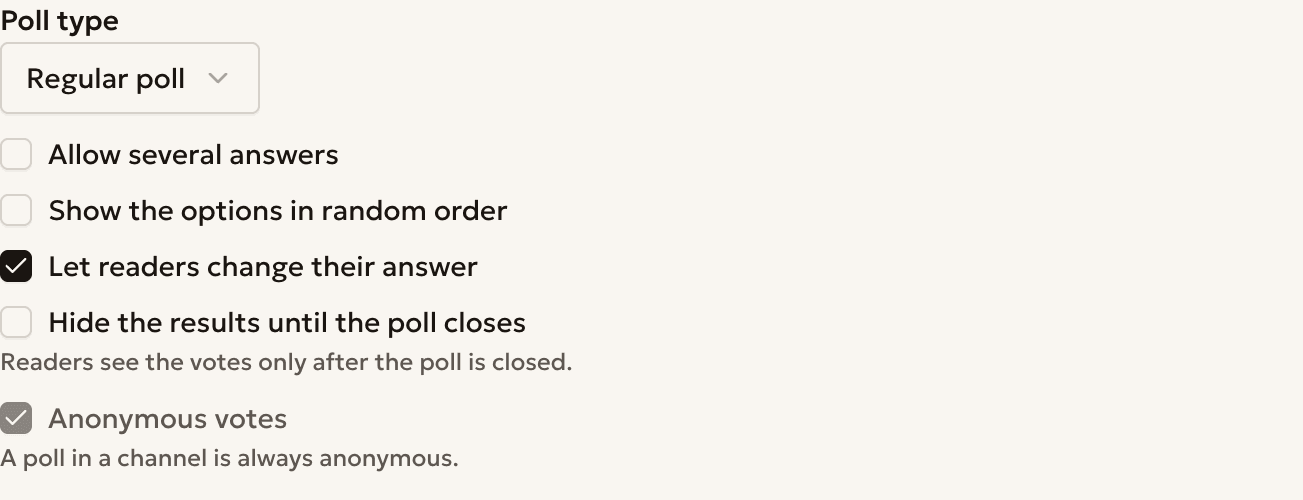
Tick what you need: Allow several answers, Show the options in random order, Let readers change their answer or Hide the results until the poll closes.
Under Poll type, Quiz adds the correct answers. A poll in a channel is always anonymous.
Step 4
Choose how it ends
Under How the poll ends, pick Stays open, Closes on a date or Closes after a time.
A date can be up to 365 days away. A time is in whole minutes, up to 30 days.

Step 5
Close it yourself
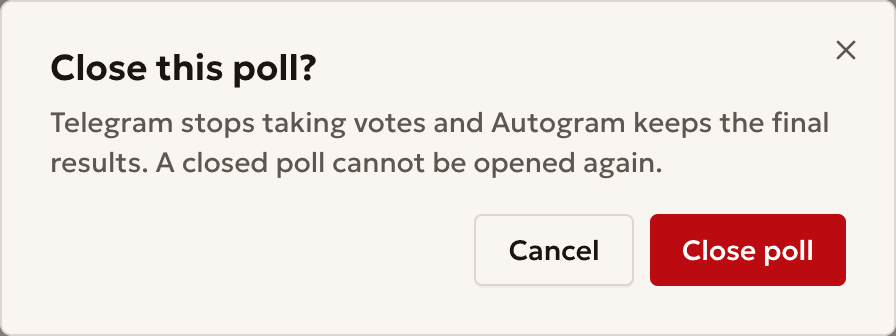
Publish the post. To stop the votes early, open the menu of the post card, press Close poll, and confirm.
Telegram stops taking votes. The card and the post page then show the final votes. A closed poll cannot be opened again.
Step 6
See the votes
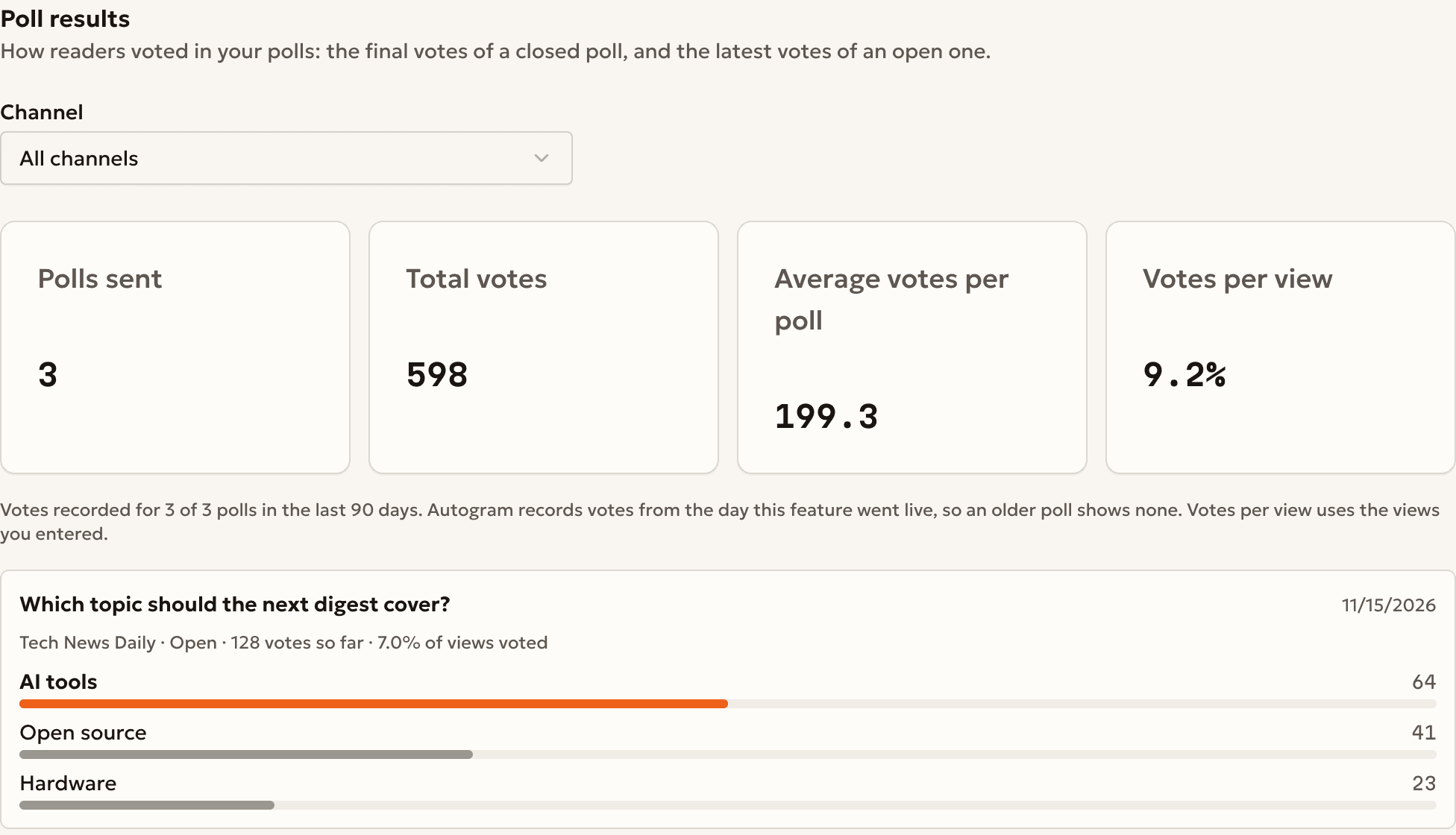
Open Analytics and the Polls tab to see the votes of each poll and the totals of your channels.
While a poll is open, its post card shows the votes so far. Votes per view uses the views you typed, or read from Telegram on Pro and Business.
Example
A poll for a tech channel
- Channel
- Tech News Daily
- Question
- Which topic should the next digest cover?
- Options
- AI tools | Open source | Hardware
- Ends
- Closes after 60 minutes
Common questions
Can readers pick more than one answer?
Yes. Tick Allow several answers.
Can a poll have an image?
Yes, one. Add it under Images in the post window. Telegram shows it with the poll.
Can I edit a poll after it is sent?
No. Telegram does not allow it. You can still pin the post, set an expiry or delete it.
Can I see who voted?
No. A poll in a channel is always anonymous. You see the totals.
Where do I see the votes?
On the post card and on the post page: the votes so far while the poll is open, and the final votes after it closes. The Polls tab of Analytics shows every poll of your channels with its votes. Votes are recorded from the day this feature went live.
Ready to start?
Create an account and connect your channel.