Guide · 6 steps
Connect your channel and start autoposting
Six steps from sign-up to posts that go out on their own.
Step 1
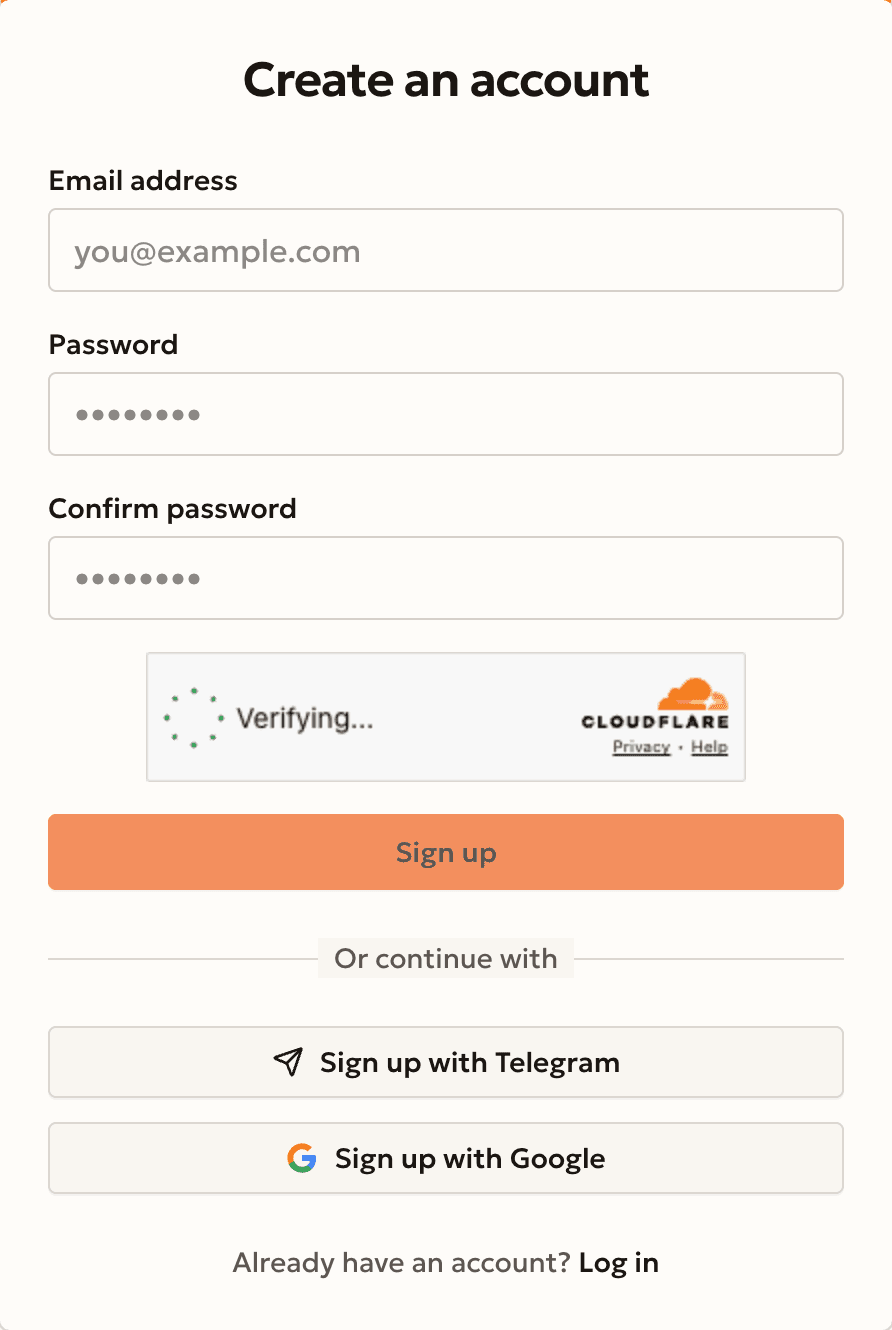
Create an account
Press Sign up and use email, Telegram or Google.
Signed up with email? Open the link in our email and press Continue.
Step 2
Add the bot to your channel
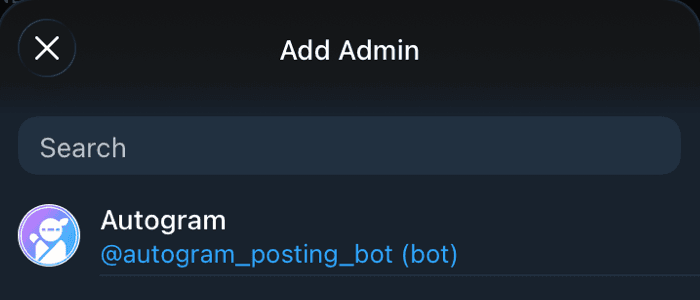
Press Connect a channel on the home page, or open Channels → Internal channels → Create. Then press Add the bot to a channel →, pick your channel in Telegram and confirm.
@autogram_posting_bot needs three rights: post messages, edit messages, and delete messages.
No channel yet? Create one in Telegram first.
Connect the bot to your channelAsked to Link your Telegram account? Press Open Telegram and tap Start, from the Telegram account that admins the channel.
Step 3
Connect the channel
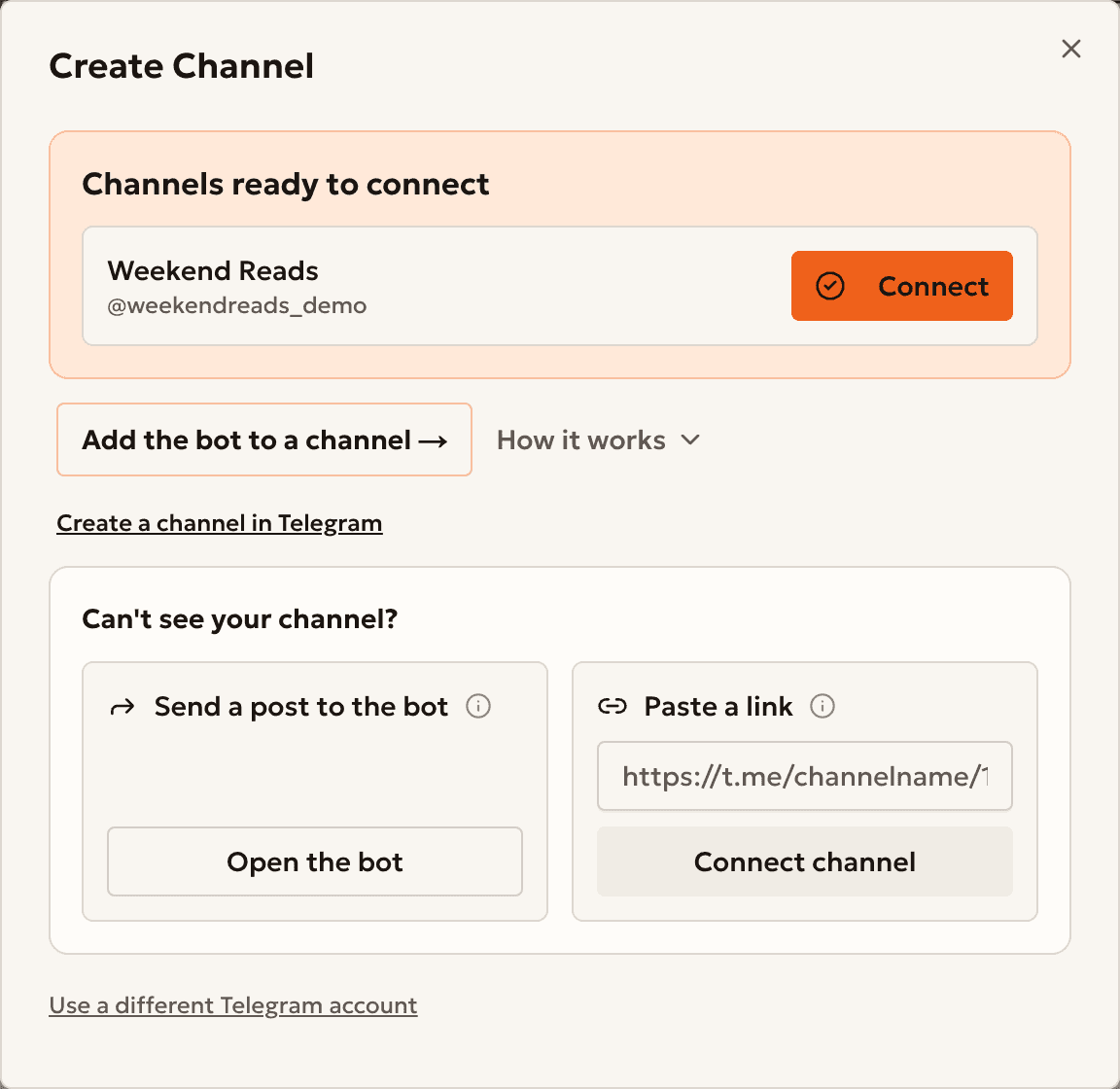
Back in Autogram, find your channel under Channels ready to connect and press Connect.
Not in the list? Under Can't see your channel?, use Send a post to the bot or Paste a link.
Step 4 · Optional
Send your first post
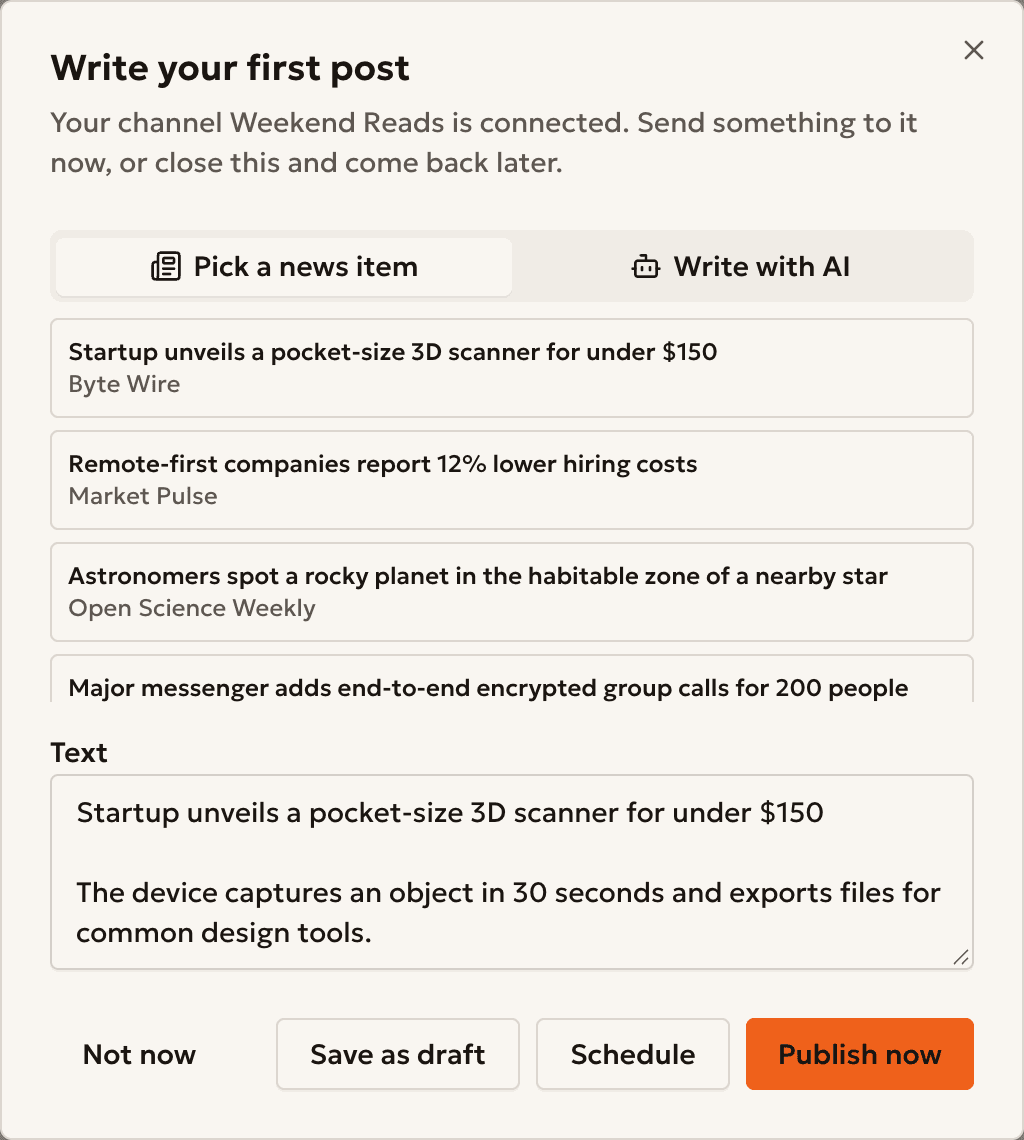
Pick a news item or write with AI. Then press Publish now, Schedule or Save as draft.
Not now also skips the quick setup in the next step. You can create an automation later in Automation → Tasks.
Step 5
Turn on autoposting
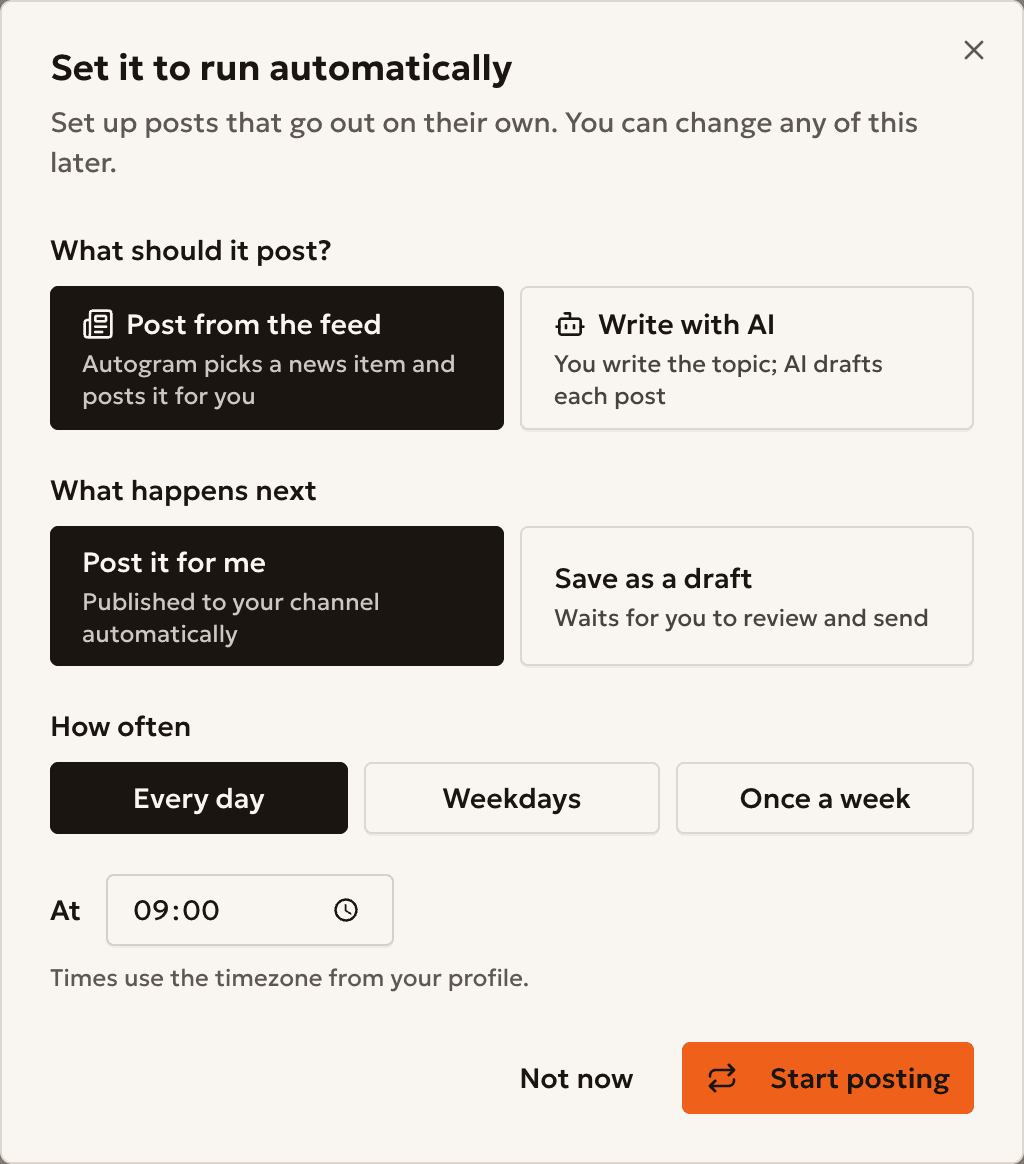
The Set it to run automatically window opens next. Make three choices and press Start posting.
- What should it post?
- Post from the feedWrite with AI
- What happens next
- Post it for meSave as a draft
- How often
- Every dayWeekdaysOnce a week
- Time
- Times use the timezone from your profile.
With Write with AI, describe your topic in What should Autogram write about?, or press Use an example.
Step 6
Done
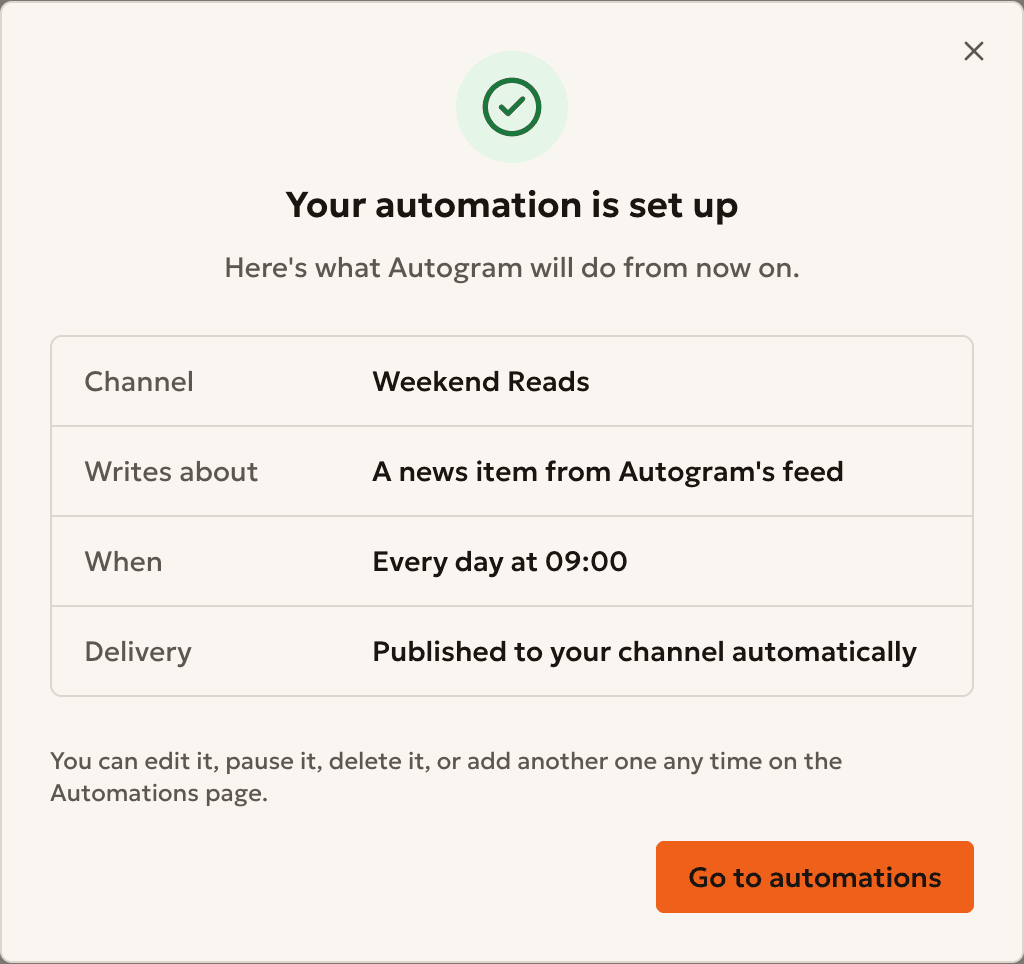
Autogram shows Your automation is set up: what it will post, and when.
Your posts are in All posts. Edit, pause or run automations in Automation → Tasks.
Extra
Make AI posts sound like your channel
Open Channels → Internal channels → Edit → AI and set Tone, Target audience and Brand guidelines.
AI drafts that you write by hand follow them. For an automation that posts to one channel, add {{channel_tone}}, {{channel_audience}}, or {{channel_brand_guidelines}} to its AI instruction.
Make AI posts sound like your channel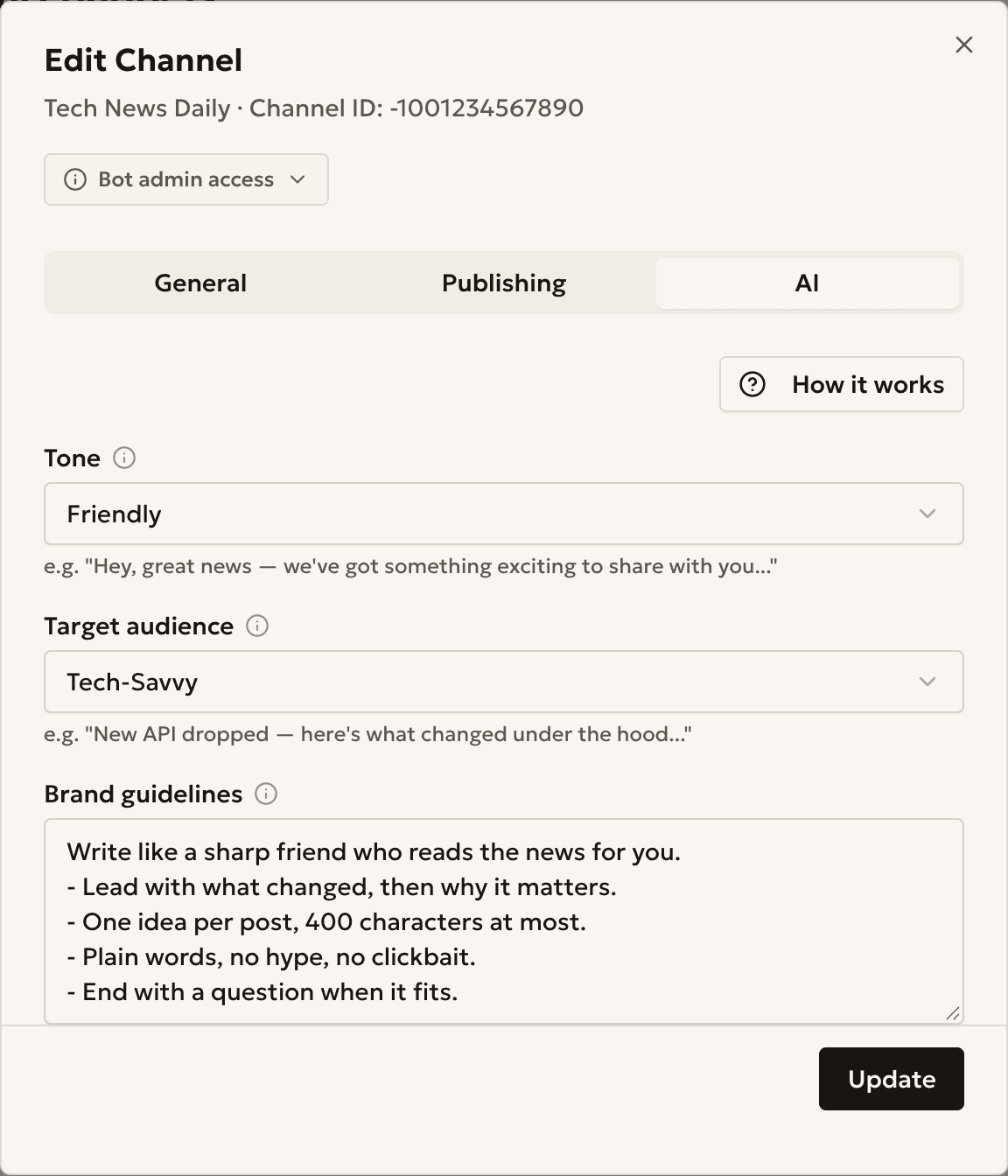
Something went wrong?
My channel is not in the list
Check that the bot is an admin (step 2). Then, under Can't see your channel?, use Send a post to the bot or Paste a link.
Add the Autogram bot as an admin of this Telegram channel, then retry.
Repeat step 2 and keep all three rights on.
Only Telegram admins of this channel can connect it to Autogram.
Link the Telegram account that admins the channel. In the connect window, press Use a different Telegram account.
Still stuck?
Open Support → Submit request, or write to support@autogram.ninja.
Ready to start?
Create an account and connect your channel.