Telegram Multi-Channel Posting Automation: The Complete Guide
Telegram Multi-Channel Posting Automation: The Complete Guide
TL;DR. Managing five or ten Telegram channels by hand means five or ten separate copy-paste sessions per post. Multi-channel posting automation connects every channel to one dashboard, so you write a post once, pick the target channels, and let each channel keep its own schedule, caption variant, and timezone. This guide walks through the setup, the Bot API limits that shape how fast you can send, and the mistakes that get channel operators flagged.
Ready to stop copy-pasting the same post into five apps? See how Autogram's multi-channel dashboard works.
Prerequisites
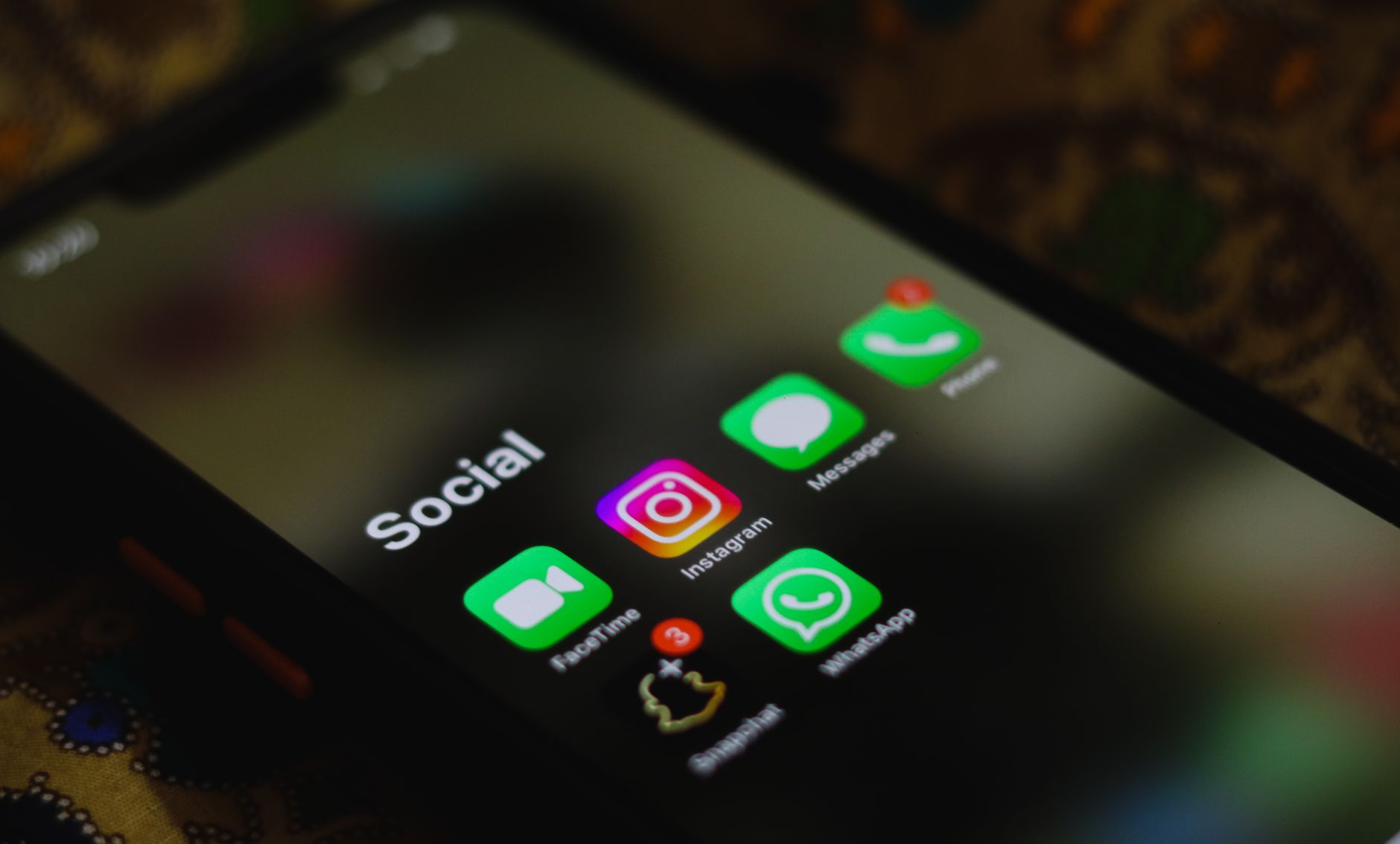
Photo by Sanket Mishra on Pexels
Before you connect a second or third channel, have these ready:
- Admin rights on every channel. Your Telegram account (or the bot you're connecting) needs admin status on each target channel, with permission to post messages.
- A clear reason to group channels. Are these the same content in different languages, the same content on different niches, or one brand's regional editions? The answer decides whether you send one caption everywhere or write per-channel variants.
- A view of your posting cadence. Multi-channel tools remove the manual step, not the planning step — you still need to know how often each channel should post.
Step 1 — Connect your channels to one dashboard
Add each Telegram channel to your automation tool the same way: authorize the bot as an admin, then confirm the connection from the dashboard. In Autogram, each connected channel keeps its own posting schedule, AI instructions, automation rules, and quality threshold — connecting a second channel never overwrites the first channel's settings (Autogram feature docs, checked 2026-09-02).
Check your plan's channel limit before you connect more channels. Autogram supports one channel on Free and Solo, three on Starter, ten on Pro, and unlimited channels on Business. Paid plans cost $19 / $29 / $49 / $99 per month, or $182 / $278 / $470 / $950 per year, respectively. Free includes 10 manual posts per month; automations require a paid plan or an active Solo trial. See current pricing.
Step 2 — Write once, target the channels that matter
The point of a dashboard isn't sending the same post everywhere — it's choosing where each post goes and adjusting it per destination. Draft the post body once, then either:
- Broadcast unchanged — same caption, same image, sent to every selected channel. Good for announcements that don't need localization.
- Broadcast with per-channel captions — same core message, adjusted hook or CTA per channel. Good for the same product across different audiences (e.g., a feature launch pitched differently to a growth-focused channel vs. a technical one).
Because each channel in a properly built multi-channel dashboard retains its own settings, you can keep, say, three channels on a "reply in English" AI instruction and two on "reply in Ukrainian" without any manual switching between posts.
Step 3 — Schedule per channel, not per post
Timezone-aware delivery is what actually saves the time — without it, "post at 9am" means 9am somewhere, and every other channel gets a post at whatever hour that translates to locally. Autogram's automations support timezone-aware delivery alongside recurring schedules (daily, weekly, or custom cron expressions) (Autogram how-it-works docs, checked 2026-09-02), so a channel serving a US audience and a channel serving a European audience can both publish at "9am local" from the same automation rule.
Photo by Nothing Ahead on Pexels
If you're doing this by hand today, timezone math is exactly the kind of small, repeated task that produces the "wrong hour" mistakes covered next.
Common multi-channel posting mistakes
- Ignoring the Bot API's rate limits. The Telegram Bot API's own guidance: avoid more than 1 message per second in a single chat, cap group sends around 20 messages per minute, and stay under roughly 30 messages per second when broadcasting to different chats (Telegram Bots FAQ, checked 2026-09-02). A dashboard that fires all your channels in one instant, with no built-in pacing, will eventually trip a
429with aretry_aftervalue — see Telegram Bot API Rate Limits at Scale for the full breakdown. - Treating "multi-channel" as "identical." Sending the exact same caption, in the exact same language, to channels with different audiences reads as spam to at least one of them. Decide per channel-group whether you need variants before you scale past two channels.
- Losing track of who's an admin where. Bot admin rights can lapse silently if a channel's owner changes or the bot is removed. Multi-channel tools that don't surface per-channel health checks will let a post silently fail on one channel while succeeding everywhere else.
- Not knowing about paid broadcast. If your volume genuinely needs to exceed the free ~30 messages/second, Telegram's
allow_paid_broadcastparameter (added in Bot API 7.11) lets a bot send up to 1000 messages per second for a fee of 0.1 Telegram Stars per message beyond the free tier, provided the bot holds at least 10,000 Stars (Telegram Bot API changelog). Most multi-channel operators never need this — it matters mainly for very large broadcast lists, not a handful of channels.
Related reading
- Multi-Channel Telegram Automation Workflows — three cross-platform patterns for bridging Telegram with Zapier, Make, and n8n.
- Cross-Channel Telegram Posting Strategy: Fan Out or Differentiate? — the decision tree for when to duplicate a post and when to adapt it.
- Telegram Bot API Rate Limits at Scale — the full rate-limit and
429handling reference. - Bulk Telegram Messaging Automation: A Power-User Guide — CSV imports and batch scheduling for high-volume senders.
FAQ
Can I post to multiple Telegram channels at once?
Yes. A multi-channel automation tool connects each channel once, then lets you draft a post and select which connected channels receive it — with the option to keep the same caption everywhere or vary it per channel.
How many Telegram channels can one bot manage?
Telegram itself doesn't cap the number of channels a single bot can be admin of. The practical limit comes from your automation tool's plan — for example, Autogram's tiers range from 1 channel on the Free and Solo plans up to unlimited channels on the Business plan (Autogram pricing, September 2026).
Can each connected channel have its own posting schedule?
Yes, in a properly built multi-channel dashboard. Each channel should keep its own schedule, timezone, and content rules independently — connecting a new channel shouldn't change any existing channel's settings.
Do I need a separate bot for each Telegram channel?
No. One bot can be added as an admin to multiple channels. What you do need is the bot to hold posting permission on each individual channel — that's set per channel, not per bot.
What happens if I hit Telegram's rate limit while posting to several channels?
The Bot API returns a 429 error with a retry_after value telling you how many seconds to wait. A well-built automation queues and paces sends across channels automatically so you rarely see this; a script firing all channels simultaneously will hit it sooner as your channel count grows.
Can I schedule posts across different time zones for different channels?
Yes, if your tool supports timezone-aware delivery per channel. That lets you set "9am local" once per channel rather than manually calculating UTC offsets for every channel every time you schedule a post.
Is there a faster, paid way to send to many channels at once?
Telegram's Bot API supports an allow_paid_broadcast parameter that raises the send limit to 1000 messages per second for 0.1 Telegram Stars per message above the free ~30/second tier, provided the bot holds at least 10,000 Stars. It's built for large-scale broadcast lists, not typical multi-channel management.
Bottom line
Explore Autogram's multi-channel management. Connect your first channel to start 7 days of Solo access, with a $1 AI budget and no card required.
Image credits
- Hero photo by Sanket Mishra on Pexels
- Photo by Ivan S on Pexels
- Photo by Nothing Ahead on Pexels
Related posts

How to Create a Telegram Channel in 2026: Step by Step
Create a Telegram channel in minutes: pick public or private, set up comments and reactions, plan the first posts, then switch on Telegram autoposting.
Telegram Scheduled Messages: How to Schedule Posts Step by Step
How to schedule a message or channel post in Telegram on mobile and desktop, how to edit it later, and where the native scheduler stops for channel owners.

How to Send a Telegram Post Without Sound or Notification
What 'send without sound' does in Telegram, how a channel admin sends a silent post, and how to schedule silent posts so night-time updates do not wake anyone.
Subscribe to our newsletter
Get the latest Telegram growth tips, automation strategies, and platform updates delivered to your inbox.
Or follow our Telegram channel