Telegram Channel Bot for Creators: A Five-Hour-a-Week Playbook
Telegram Channel Bot for Creators: A Five-Hour-a-Week Playbook
TL;DR. A creator-grade Telegram channel bot is a public channel plus a Bot API account that owns scheduling, drafting, and monetization. With BotFather, an admin invite, an AI draft pass, and either Telegram Stars or channel subscriptions, one creator can sustain a channel of 1–3 posts a day on roughly five hours of weekly effort — newsletter, YouTube, or podcast workflow included.
Want the scheduler, AI drafts, and Stars-ready posting in one place? Try Autogram free.
Prerequisites
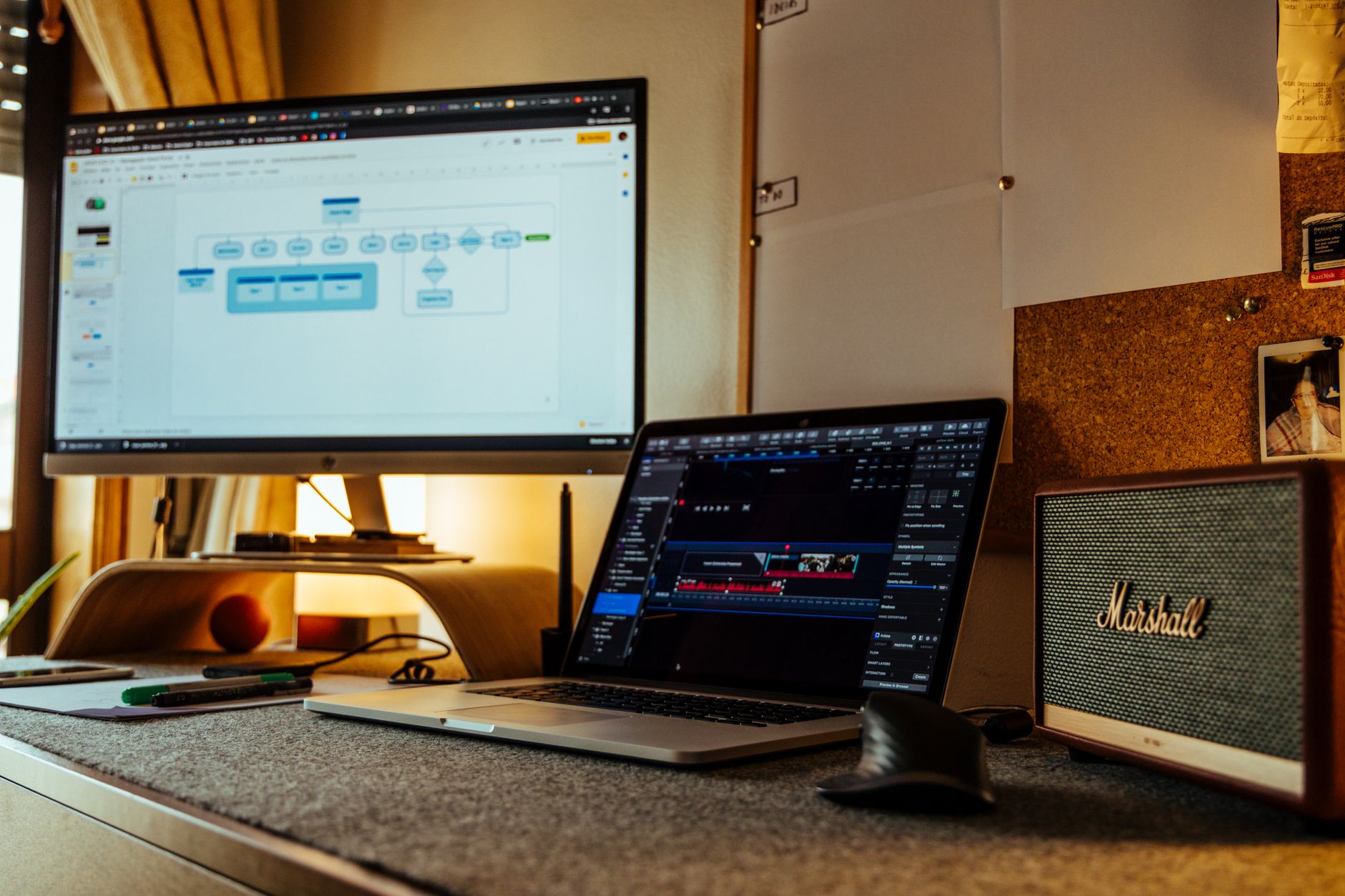
Photo by João Jesus on Pexels
Before you touch BotFather, line up four things:
- A Telegram account on the phone you actually use. BotFather only talks to humans, and any future channel admin moves require the same account.
- A primary content surface that already exists. Newsletter, YouTube channel, podcast feed — anything you publish weekly. The bot repurposes that, it does not replace it.
- A handle you'll be willing to live with for years. Telegram channel handles are renameable but the URL change burns inbound links and breaks search results. Pick once.
- Either a posting tool or a willingness to write a small script. A managed scheduler is roughly five minutes to set up; a self-hosted Python script using
python-telegram-botis a couple of hours and a small server.
If you already have a personal channel you're posting to manually, you can keep it — Step 2 covers turning it into a bot-driven channel without losing subscribers.
Step 1 — Create the bot and reserve a channel handle
- Open Telegram, search for
@BotFather, hit Start, and send/newbot. - Give the bot a display name (e.g.
My Newsletter Bot) and a username ending inbot(e.g.my_newsletter_bot). The username is global — try a few until one is free. - BotFather replies with a bot token that looks like
123456:ABC-DEF.... Treat it like a password — it grants full posting power on every channel where the bot is admin. Store it in a password manager, never commit it to git, and never paste it in DMs. - In a second tab, create the public channel itself: tap the pencil icon → New Channel → set a public username (the
t.me/your-handleURL). Public channels are indexable in Telegram's internal search and rank in Google when posts link out. - Lock the basics now: channel description, square logo (512×512 minimum), and pinned welcome post explaining what the channel is and how often you publish.
The bot username and the channel handle are independent. Subscribers see the channel name; only admins ever see the bot.
Step 2 — Add the bot as channel admin (and limit its permissions)
- Open the channel → Manage Channel → Administrators → Add Administrator.
- Search by the bot's
@username. Telegram will warn that the user is a bot — that is expected. - Enable only what the bot needs: Post Messages, Edit Messages of Others, Delete Messages of Others. Leave Add Subscribers and Add New Admins off. A scoped admin token can post on your behalf, but it cannot remodel your channel if it leaks.
- Send a single test message via the Bot API to confirm the wiring:
curl -sS "https://api.telegram.org/bot$TOKEN/sendMessage" \
  -d "chat_id=@your_channel_handle" \
  -d "text=Bot wired up — first scheduled post lands tomorrow at 09:00."
If the response JSON has "ok": true, you're done with the plumbing. If it returns 400 with chat not found, the bot is not a member of the channel yet — re-check step 2.
Step 3 — Build a weekly cadence you can sustain
Five hours a week is the budget. Allocating it explicitly is the difference between a channel you stick with and a channel that goes silent in week three.
| Block | Time / week | What happens |
|---|---|---|
| Source-content harvest | ~60 min | Pull the week's newsletter draft, podcast notes, or YouTube outline into a shared doc |
| Channel-post drafting | ~90 min | Three to five distinct posts: link drop, behind-the-scenes, single-question prompt |
| Asset prep | ~45 min | Cover image, thumbnail, or pull-quote graphic |
| Scheduling | ~30 min | Punch the week into the scheduler so nothing fires manually |
| Replies + community pulse | ~75 min | Pin the best comment, answer DMs, capture next-week ideas |
Two patterns ship reliably for creators:
- One canonical post + one teaser per piece. Newsletter goes out Tuesday — schedule a teaser Monday at 18:00 and the link drop Tuesday at 09:00. Pre-commit to a posting time so subscribers learn the rhythm.
- Same anchor times every week. A 09:00 / 13:00 / 18:00 trio is a known pattern in creator channels. Even if you change which post lands when, the slots stay constant.
The cadence map matters more than the tool. A channel posting at unpredictable times trains its audience to ignore notifications.
Step 4 — Automate posting and use AI for first drafts
Photo by Michal Dziekonski on Pexels
The bot is a token — what you do with it determines whether the channel runs itself or quietly drains your weeknights. Two automations recoup most of the five-hour budget:
- Schedule the week in one sitting. Use a managed scheduler or a small Python loop. Either way, every post for Monday through Sunday should be queued by Sunday evening. Manual same-day posting is where the budget overruns happen — and where the context-switching tax eats your real working hours.
- Generate first drafts from your source content. Feed the source artifact (newsletter draft, podcast transcript, YouTube outline) into an LLM with a prompt like "Three Telegram channel posts from this transcript, each ≤ 280 characters, one with a question, one with a stat, one with a hook to the full episode". Edit, don't regenerate from scratch. The first-draft pass usually turns 90 minutes of writing into 25 minutes of editing.
Two operational rules pay for themselves:
- Always post natively, never via Forwarded. A
Forwarded fromheader on every post tells subscribers you're recycling, not creating. The fix is to use the bot's ownsendMessage/sendPhoto/copyMessagecalls — see the no-forwarded-tag walkthrough. - Respect Telegram's per-channel pacing. The Bot API caps a single channel at roughly 20 messages per minute; even a creator channel can trip that during a high-effort launch day. Two-minute spacing between posts is a safe floor.
Step 5 — Layer monetization: Telegram Stars and channel subscriptions
A creator channel is worth running once it makes money. Two native rails ship today, neither requires a website:
- Telegram Stars — Telegram's in-app currency. Subscribers can tip Star payments on individual posts, buy paid digital goods, or unlock paid messages. Earned Stars are withdrawn to TON cryptocurrency via Fragment (and from there to fiat); the Bot Payments API is what charges Stars, not what cashes them out. The simplest setup: pin a Stars-tip prompt on your best evergreen post, treat it as a Buy-Me-A-Coffee proxy.
- Channel subscriptions — Paid subscriber-only channels announced in the Stars launch post. A free public channel runs the funnel; the paid "+ deep" channel runs the recurring product. A typical creator stack: free channel ships 3–5 posts/week, paid channel ships one weekly long-form drop and a monthly Q&A.
The pricing answer that actually works: charge what your medium charges elsewhere. A $5/month newsletter sets a $5/month Stars equivalent on the paid channel. Don't reinvent the price ladder for Telegram — subscribers price-anchor on the platforms they came from.
Common mistakes
- Promoting the bot's username instead of the channel handle. Subscribers join the channel, not the bot. Every CTA points at
t.me/your-channel. - Forgetting that the bot token is the master key. A leaked token lets anyone post in your name. Rotate via BotFather →
/revokeif you ever paste it somewhere shared. - Manual posting alongside the schedule. Once a scheduler is live, route everything through it — even one-off announcements. Two pipelines means two failure modes.
- No analytics review. Pull a weekly channel-analytics check on view velocity, ERR, and forward rate. Post times that consistently underperform should move; posts that overperform should get a sequel.
Related reading
- Telegram Auto Post Without the Forwarded Tag — keep posts looking native, not recycled.
- Telegram Channel Analytics Benchmark — the four metrics every creator channel should review weekly.
- Telegram Channel SEO Optimization Guide — how Telegram's internal search picks up creator channels.
- The Hidden Cost of Free Manual Posting: The Context-Switch Tax — why the five-hour budget collapses without scheduling.
FAQ
Do I need any coding to set up a Telegram channel bot for creators?
No. BotFather is a chat-based wizard, and managed schedulers (including Autogram) speak the Bot API on your behalf. The only "code" you encounter is the cURL test in Step 2, and even that is optional if you trust the scheduler's "send test message" button.
Can a creator's channel bot post to multiple channels at once?
Yes. A single Bot API token can be admin on as many channels as you invite it to. Most creators run one main channel and one paid subscriber channel under the same bot — separate tokens are only needed if you want different scope-of-permission limits per channel.
How do Telegram Stars actually convert to money for a creator?
Telegram Stars are an in-app currency subscribers buy with App Store / Google Play / Stripe. Creators receive Stars on tips and paid posts, then withdraw the earned balance to TON cryptocurrency via Fragment — and on to fiat from there. The Bot Payments API is the side that charges Stars; it is not the withdrawal path. The settlement flow is documented in the Stars API reference.
Should I use my personal Telegram account or a fresh number for the channel?
Use your real account for the channel ownership and admin actions, but always use a separate bot account for posting. The bot is a service identity — replaceable if it leaks. The personal account is the recovery path if anything goes wrong.
How often should a solo creator post to a Telegram channel?
One to three times a day for a free public channel, one to two times a week for a paid subscriber channel. Less than a post a day in the free channel and growth flatlines; more than three and unsubscribes climb fast in Telegram's own retention research.
What if my bot stops posting after a few weeks?
The two common causes are a revoked or rotated token and the bot losing admin permissions on the channel. Re-check Manage Channel → Administrators, confirm Post Messages is still on, and run the cURL test from Step 2. Both fixes take less than two minutes.
Bottom line
Explore Autogram's AI content tools. Connect your first channel to start 7 days of Solo access, with a $1 AI budget and no card required.
Image credits
- Hero: Photo by João Jesus on Pexels.
- Inline #1: Photo by Walls.io on Pexels.
- Inline #2: Photo by Michal Dziekonski on Pexels.
Related posts

Telegram Automation for Non-Crypto Verticals: 4 Worked Use Cases
Most Telegram-automation content targets crypto. Here is what e-commerce, media, SaaS, and real-estate teams actually run on the same plumbing — with concrete cadences and pitfalls.
Telegram Channel Guide for Ukrainian SMBs (Operator's Playbook)
How Ukrainian small businesses run Telegram channels in 2025: setup, automation, posting cadence, and the local mistakes most SMM guides miss.
Subscribe to our newsletter
Get the latest Telegram growth tips, automation strategies, and platform updates delivered to your inbox.
Or follow our Telegram channel