Help
Guides
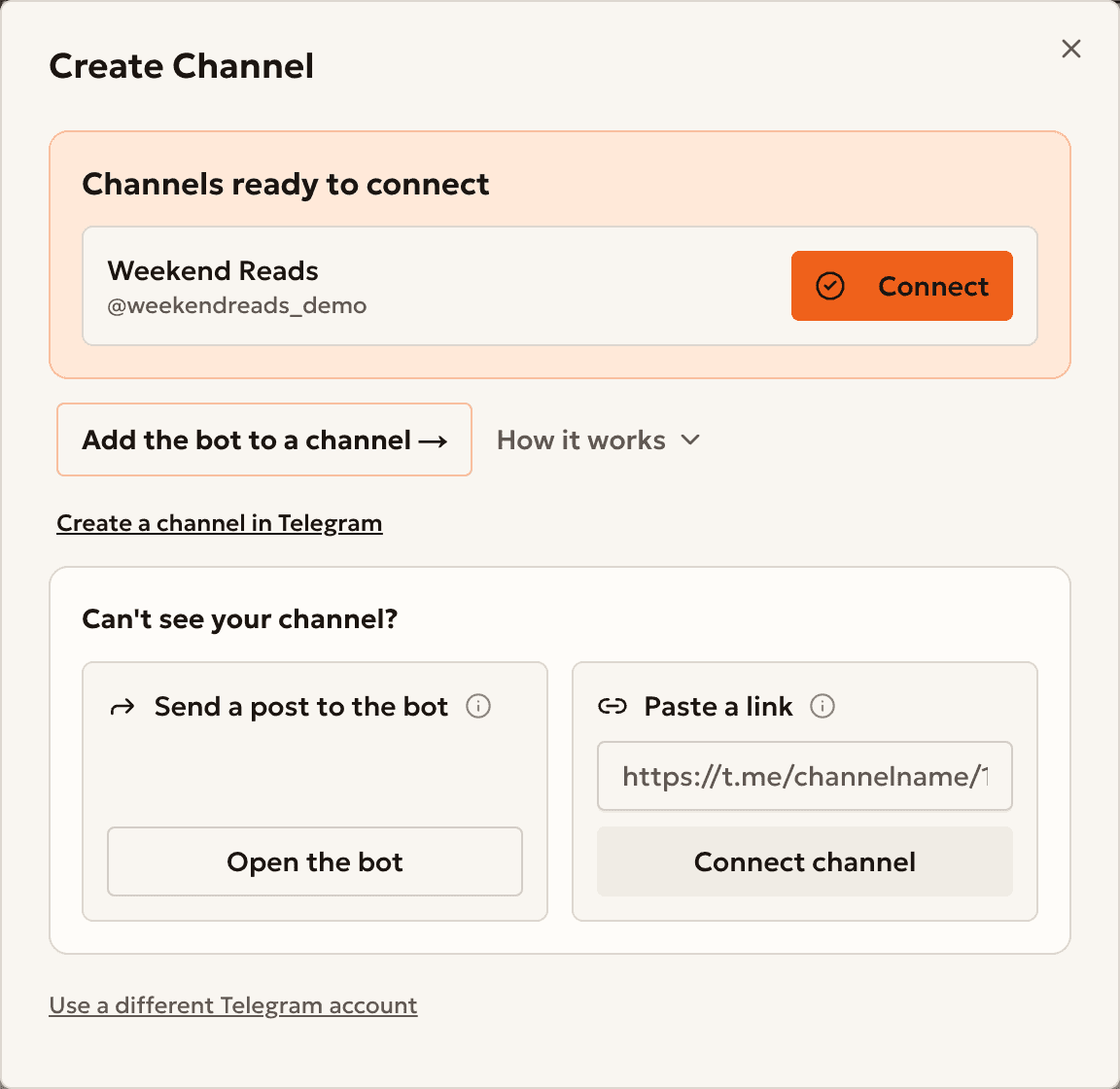
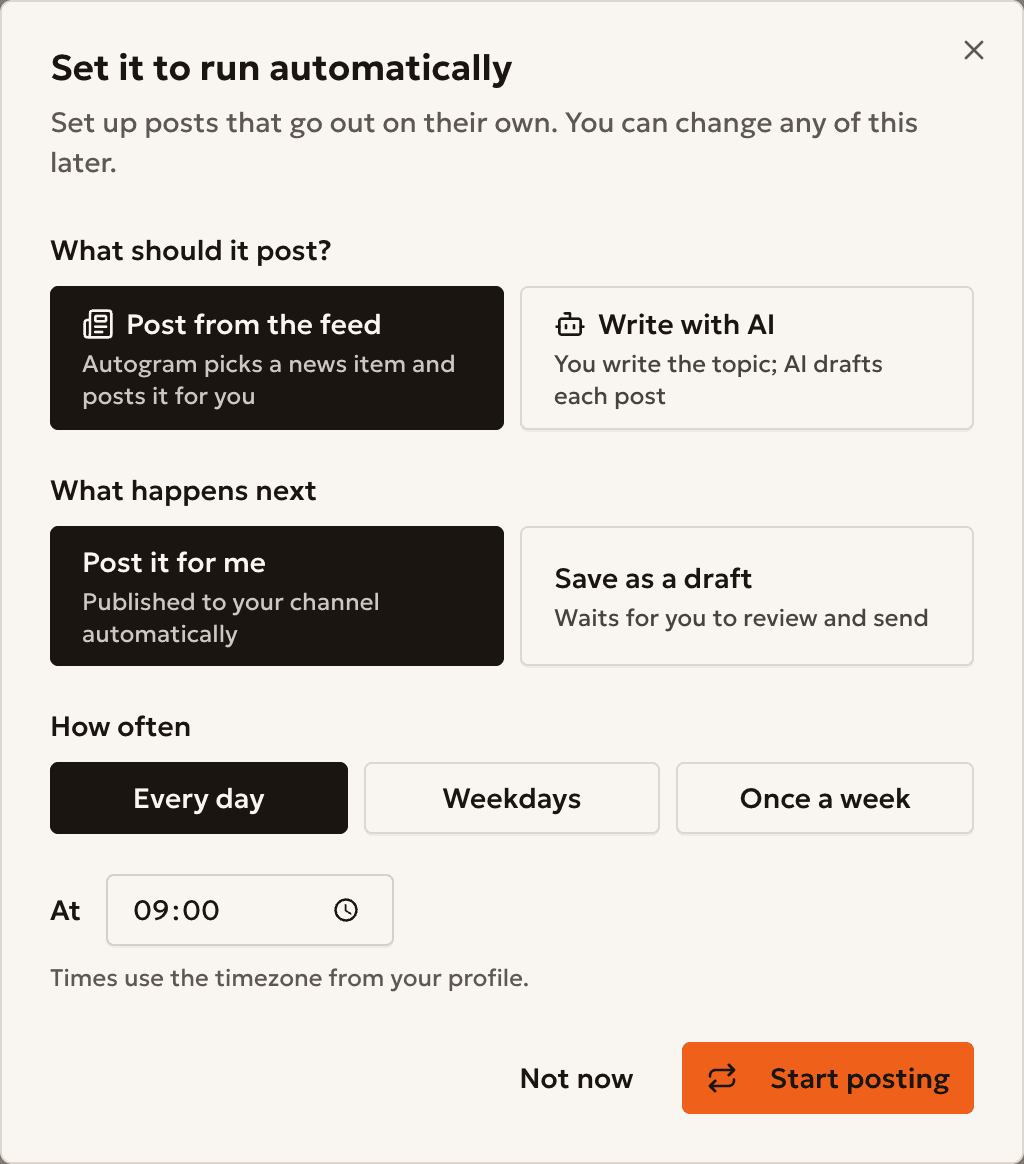
Short guides with screenshots. Each step shows the real app.
Start here
Do more
4 steps
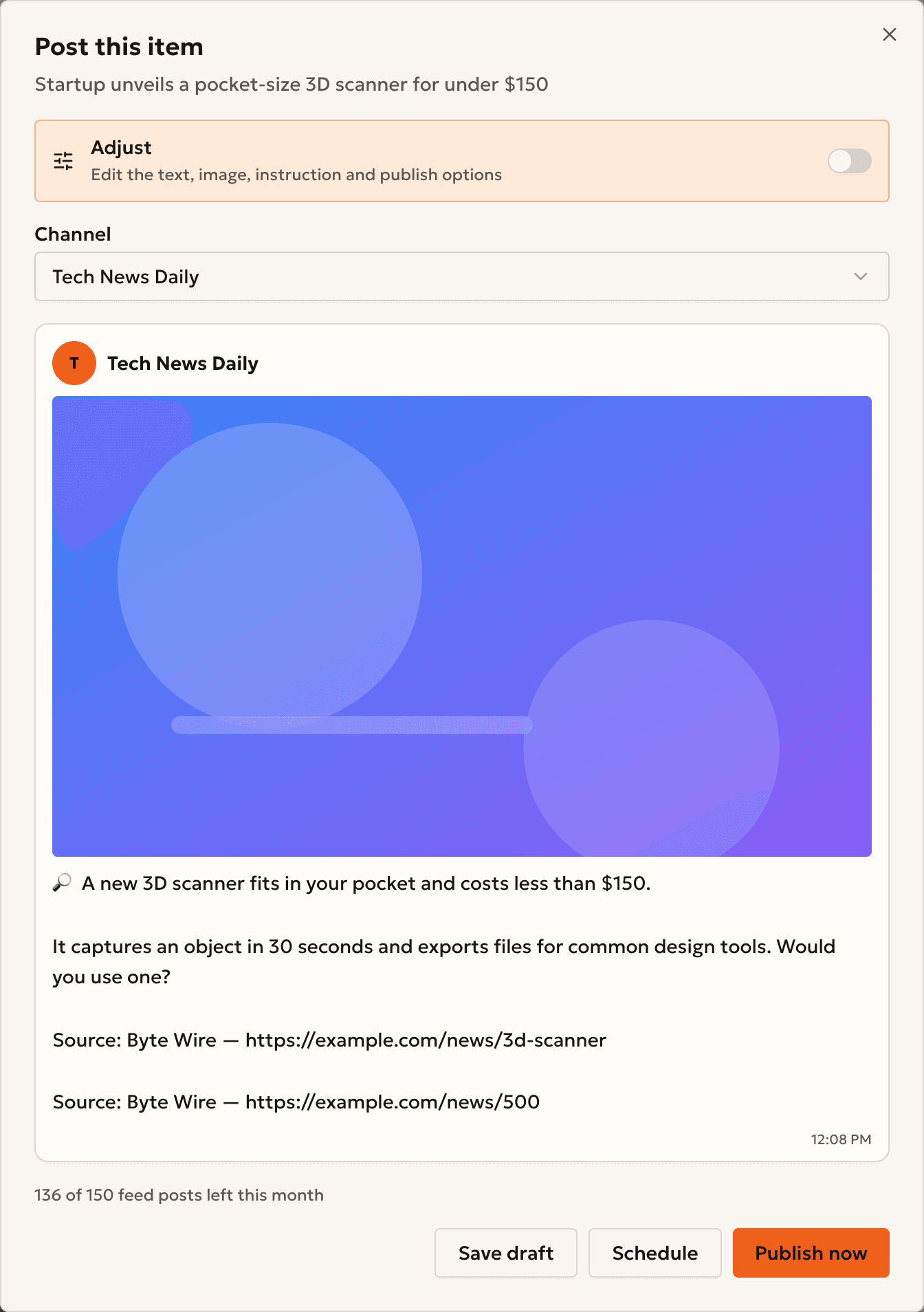
Post news from your feed
Filter the news, post an item in one click, or automate it.
4 steps
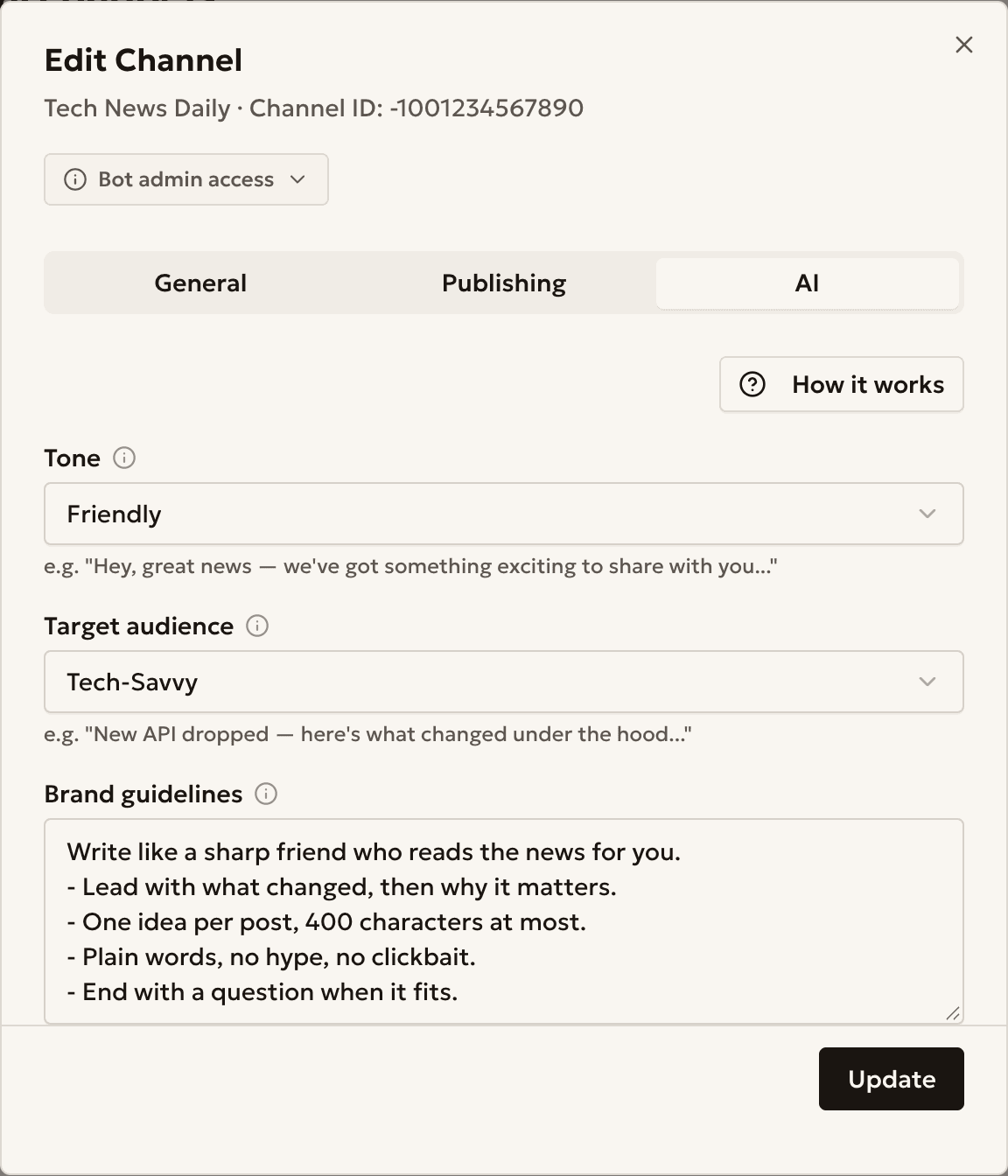
Make AI posts sound like your channel
Set a tone, an audience and brand rules for AI posts.
4 steps
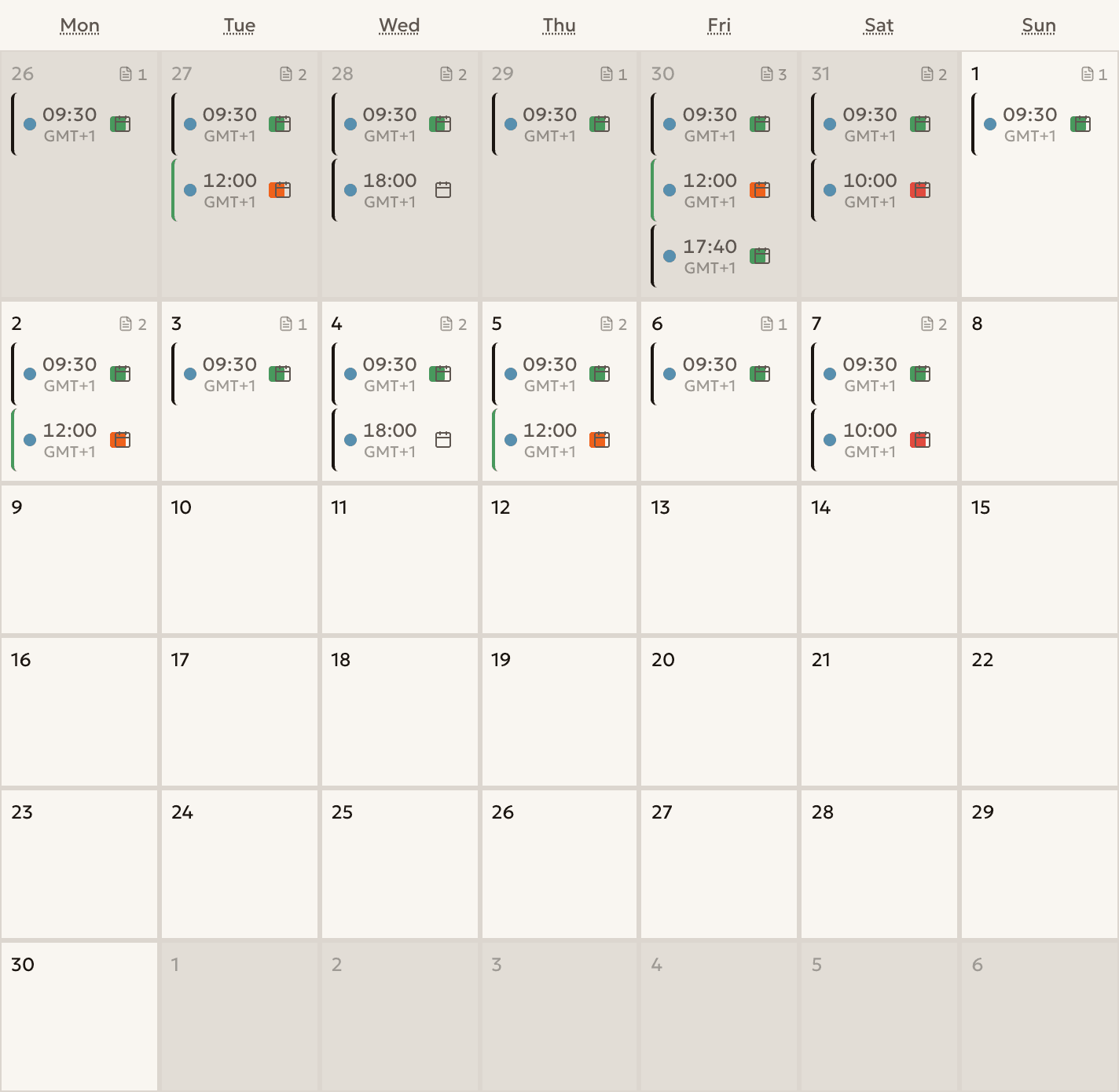
Plan a week of posts
See your schedule, fill free days and move posts with a click.
4 steps
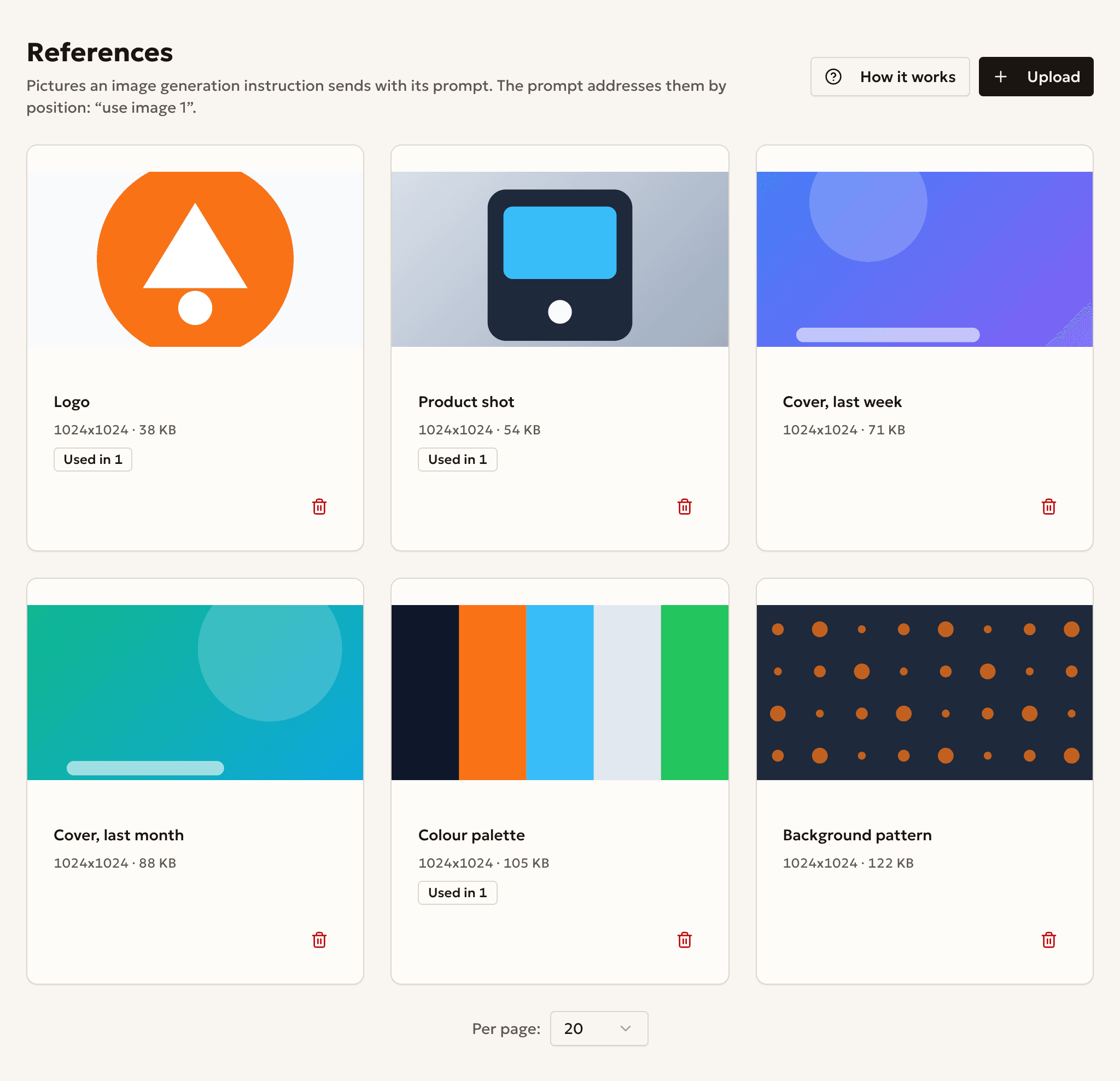
Add images to AI posts
Attach reference pictures to an image generation instruction.
4 steps
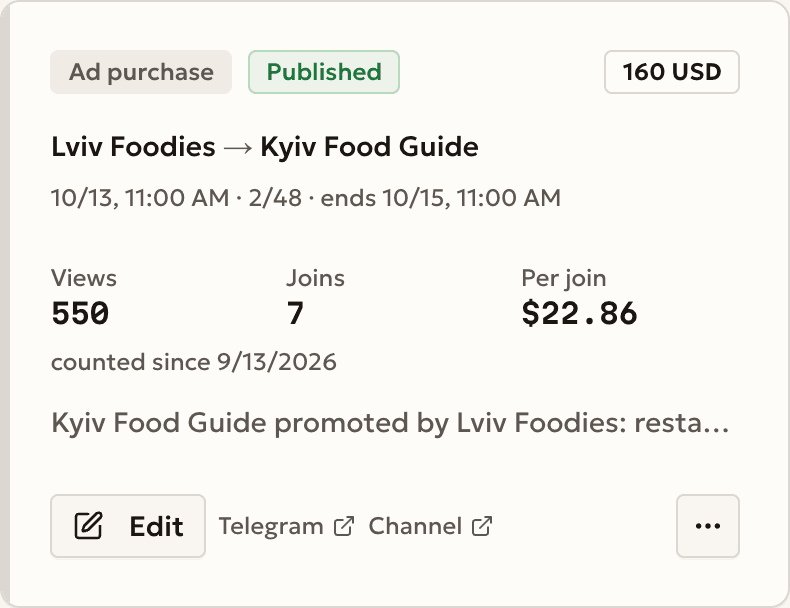
Buy an ad and count its joins
Add a tracking link to an ad purchase and see its joins.
4 steps
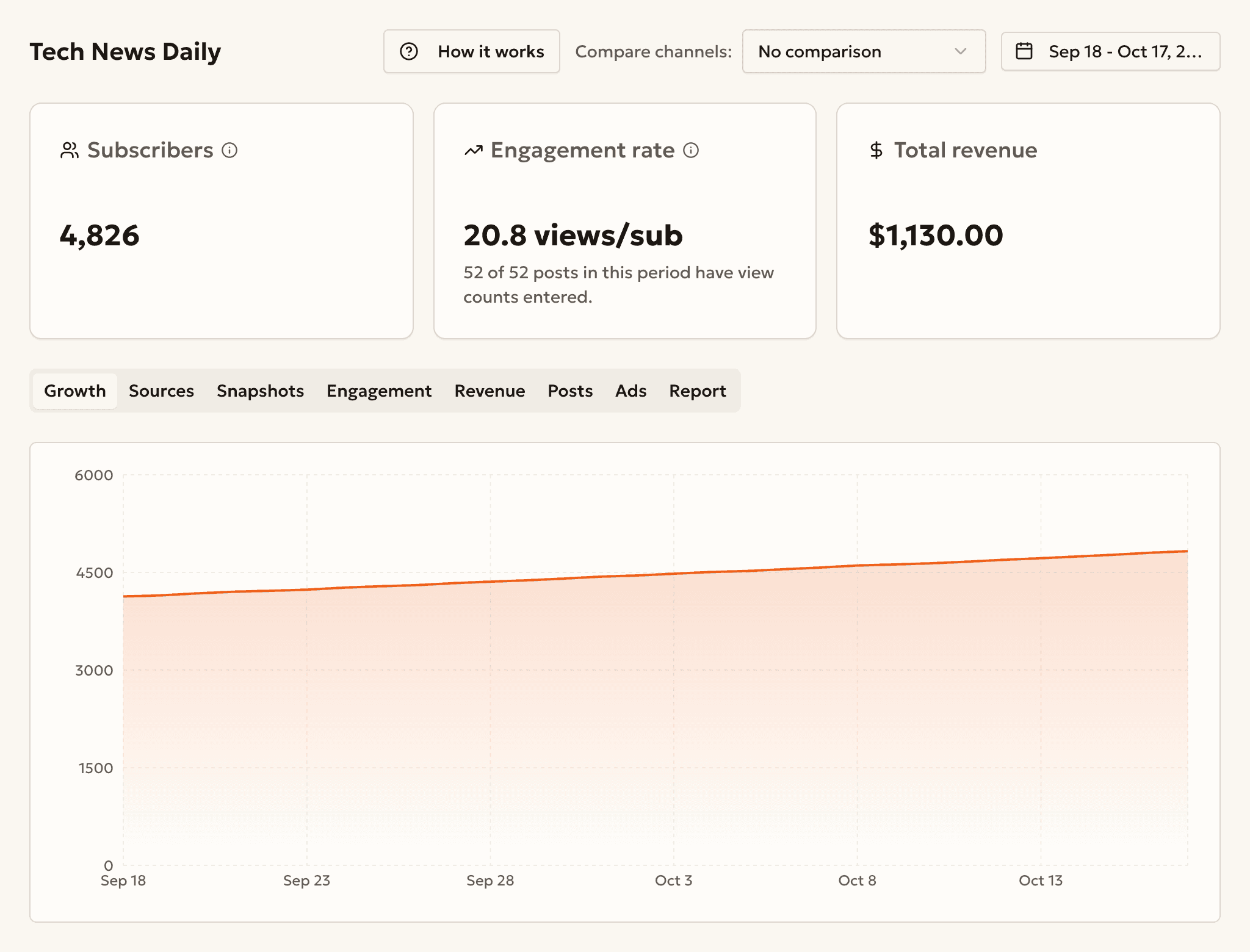
Read your channel's growth
Read subscribers, growth and the joins of each named link.